ledboX
Configurator
Your light. Your dimension.
Your light. Configured to the millimeter.
With the ledboX configurator you plan your lighting yourself – quickly, transparently and directly based on our production data: choose a luminaire, enter the dimension, add the control. We calculate accessories, cutting, power supply and control automatically, and you see the complete parts list immediately.
• For furniture makers, fabricators and planners (business customers)
• Dimensionally exact: enter the length, cutting and waste are calculated
• Parts list, technical drawing and 3D view at a glance
• Optionally with rangeX Smart-Link control
• German, English and French
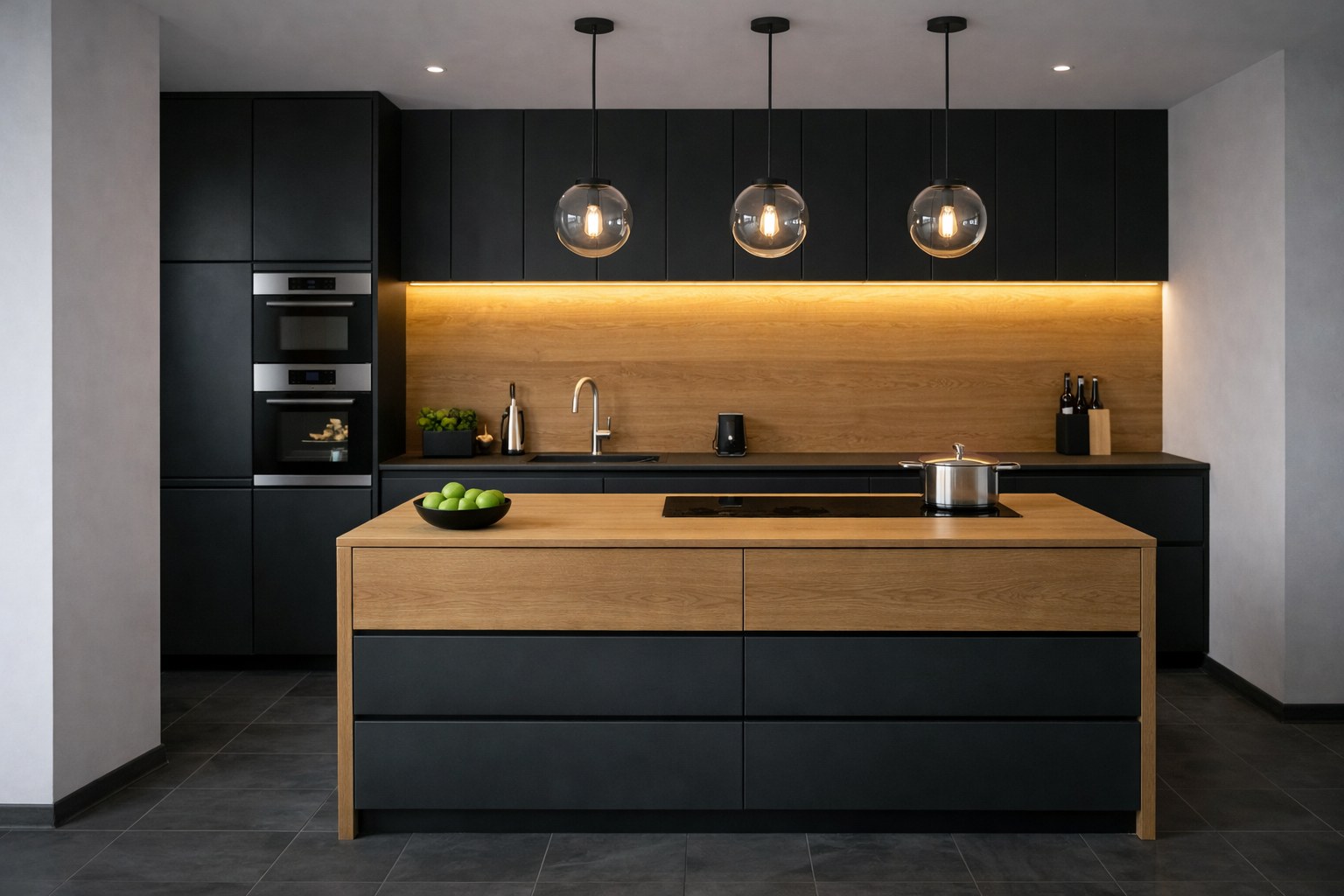
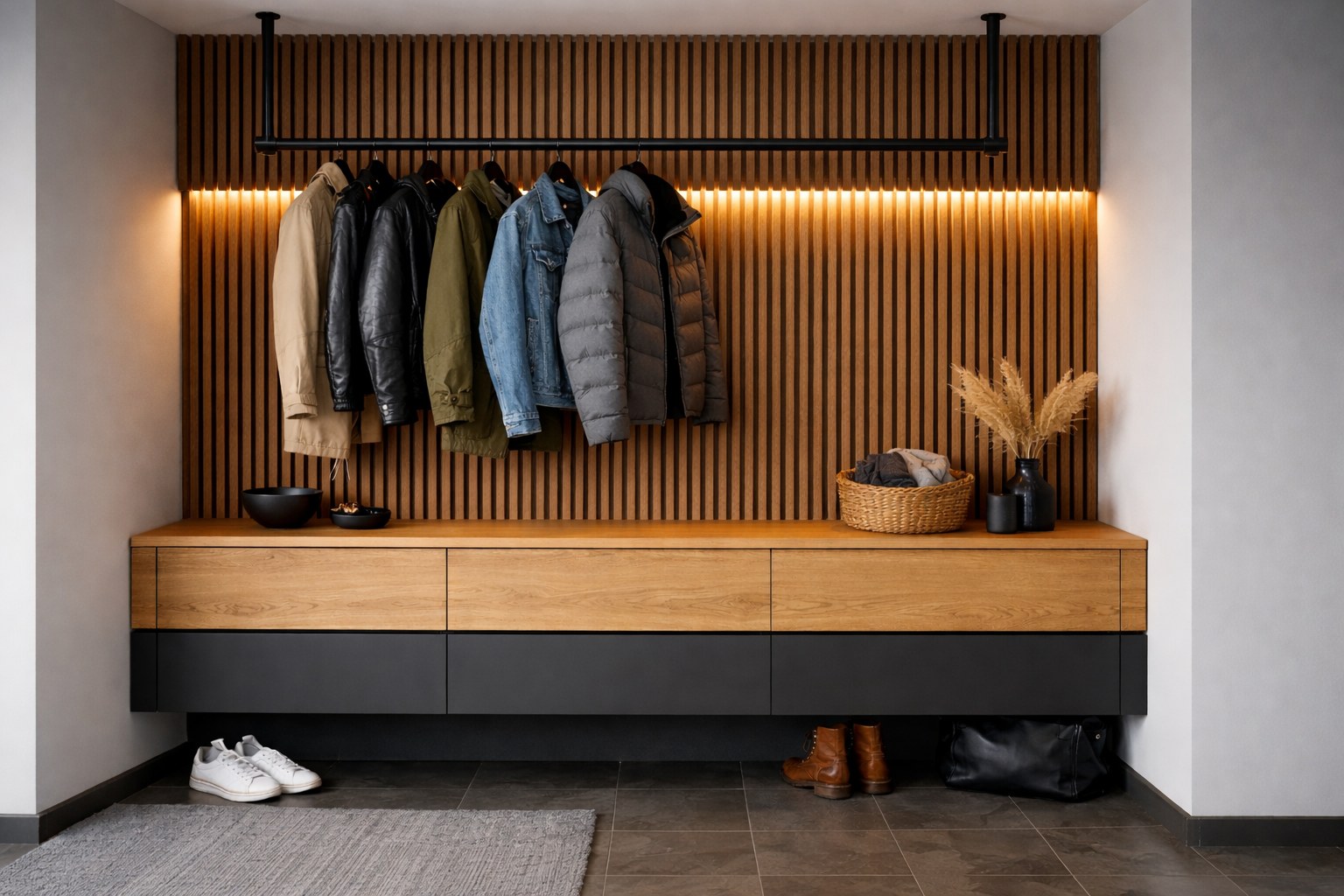
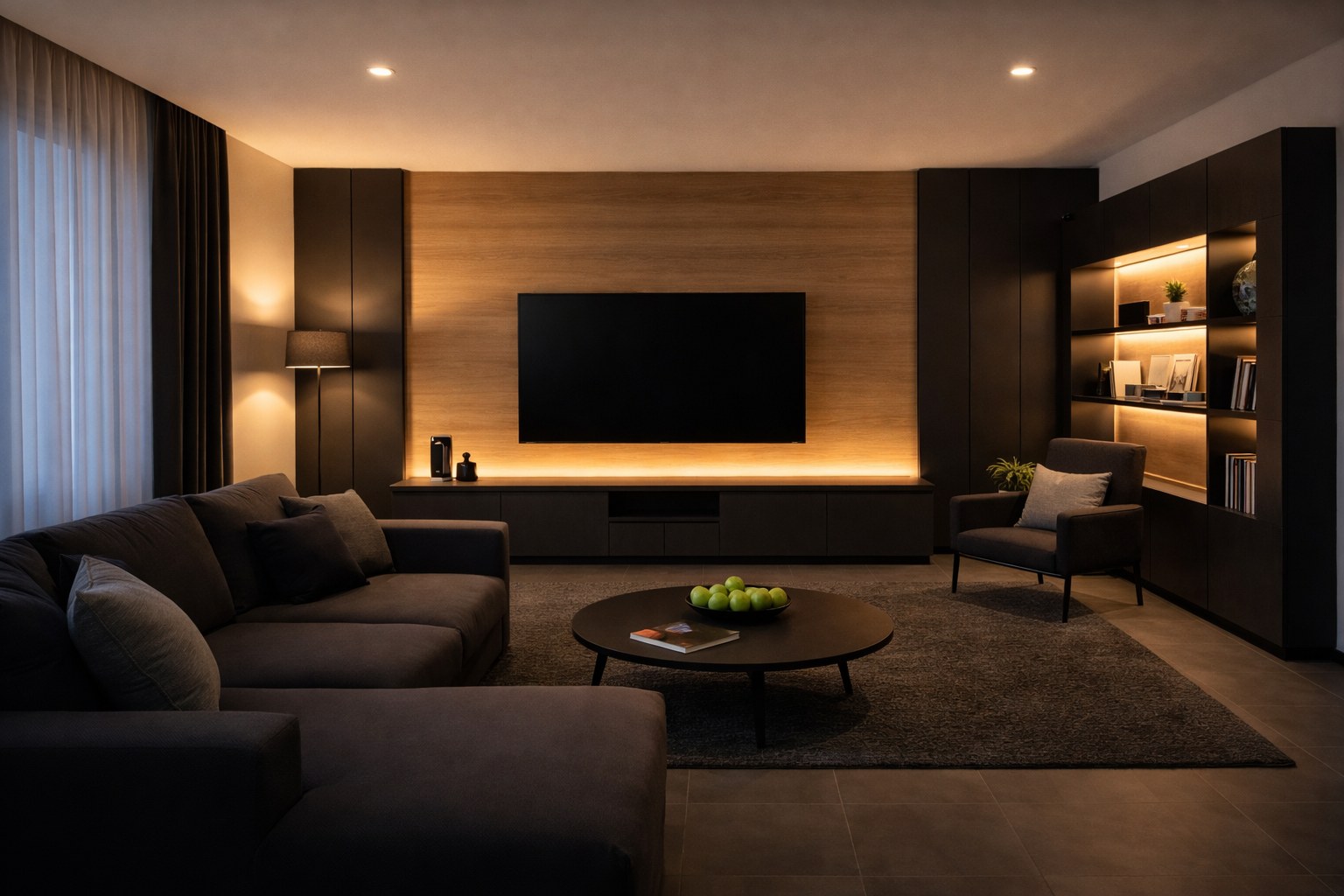
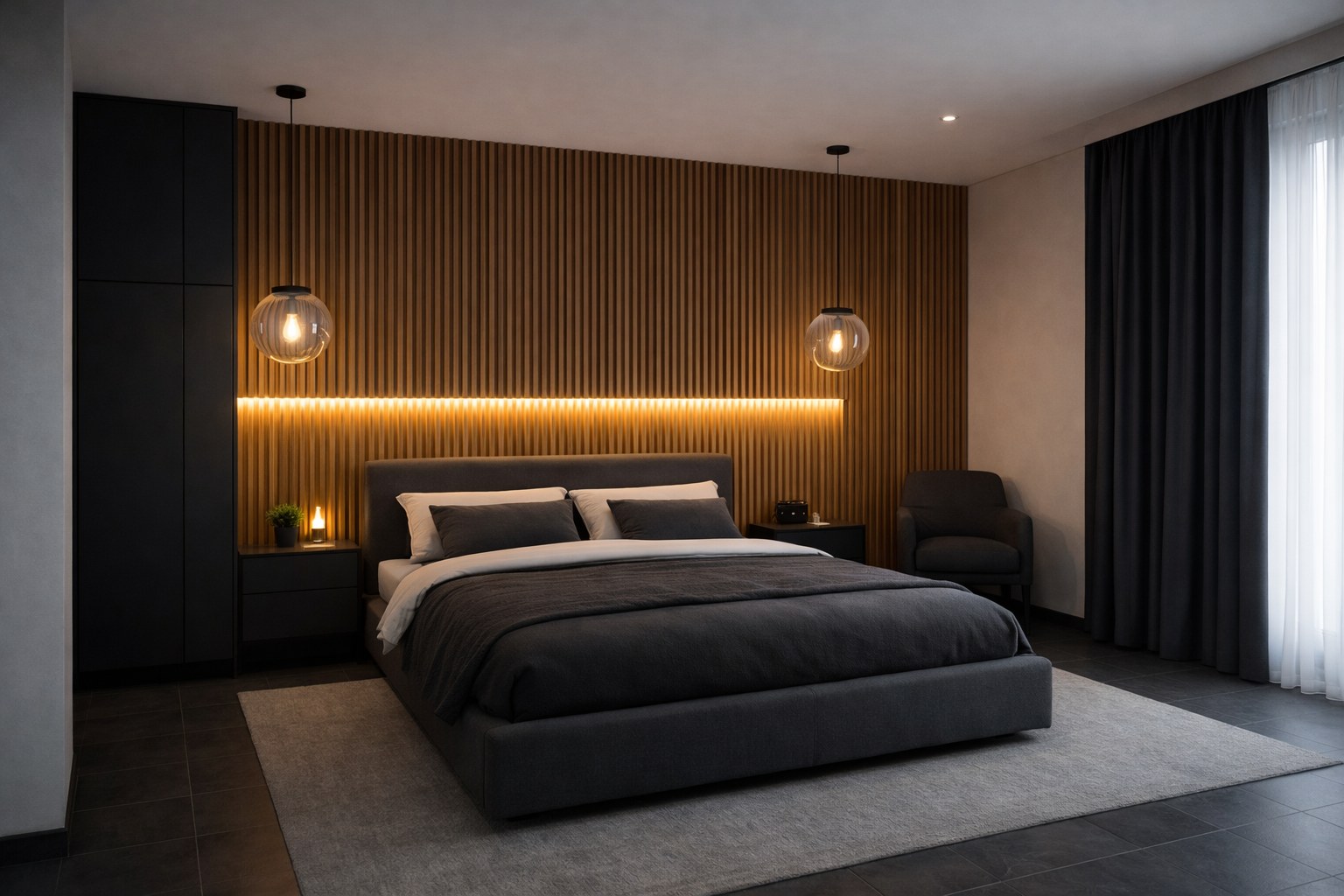
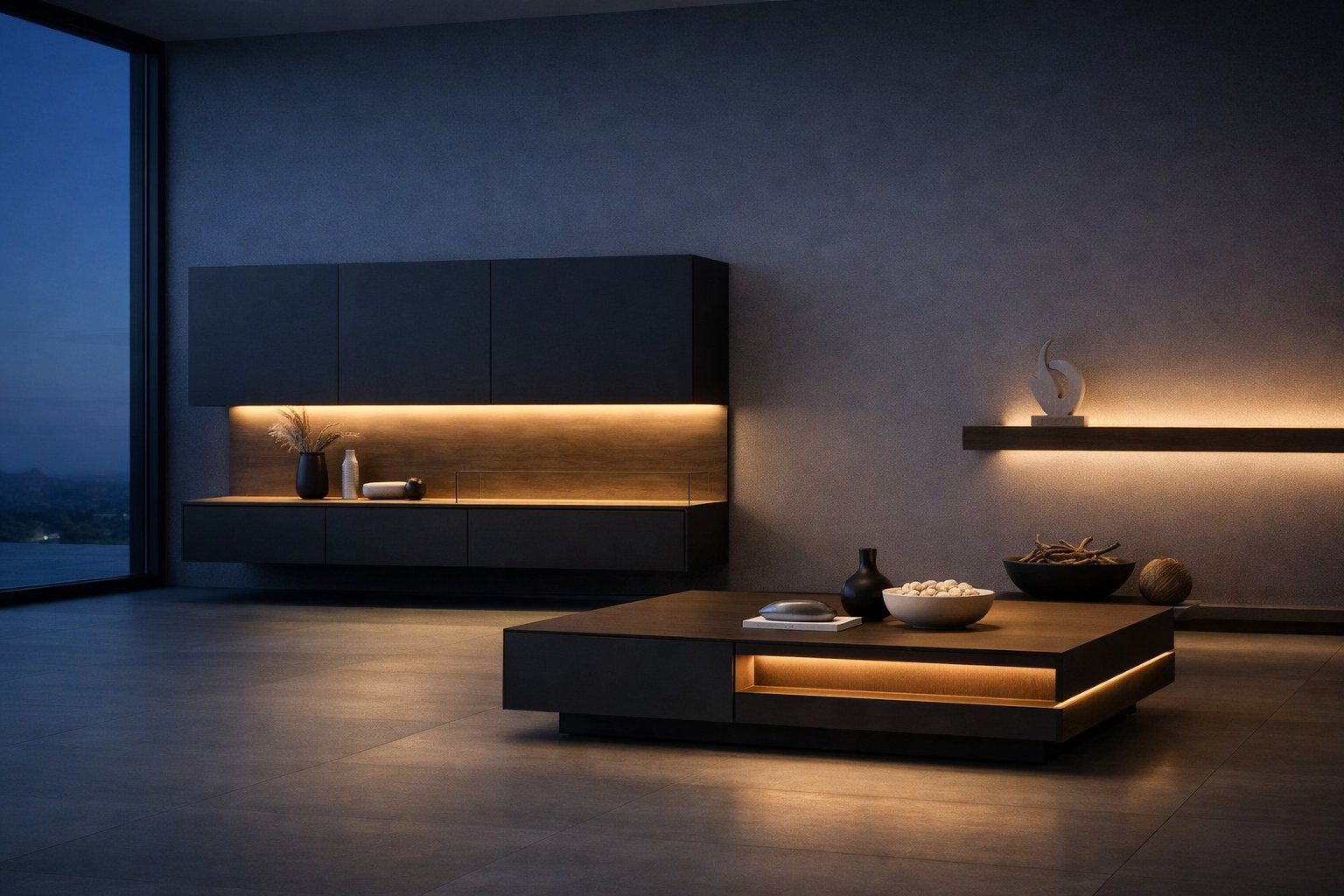
How it works
From idea to parts list in four steps.
1 Register
Register your company as a business customer. We review your details and activate your access – you will receive an e-mail.2 Choose a luminaire
ledboX core (TOP-LINE, SIDE-LINE, GLAS-LINE) or ledboX-pro (recessed, surface-mounted, Sense) – each made to your dimension.3 Dimension and control
Enter the length, set the sensor position if needed and choose the matching power supply or rangeX Smart-Link control.4 Check, enquire or order
Check the parts list, drawing and 3D view, add to the cart and either send us an enquiry or place a binding order. A confirmation as a PDF follows by e-mail.What to expect
Everything you need for your planning – in one place.
Your parts list immediately
- As soon as a valid length is entered, your parts list with the end articles appears. Prices are excl. VAT plus shipping; your individual customer discount is taken into account.
Cutting and waste
- ledboX core luminaires are cut to your length. The configurator selects the most cost-effective bar selection; waste is included in the price.
Drawing and 3D view
- For each luminaire you see a dimension sheet (top view and cross-section of the routed groove) and a 3D view that you can rotate and zoom.
3D data for your CAD planning
- For the luminaires we provide 3D data in STEP format, matching your configuration.
Control with rangeX Smart-Link
- The matching Smart-Link Driver is selected automatically based on power and number of luminaires. Add Receiver, Dimmer, sensors and Knob – wireless or via app.
Cart and confirmation
- Add several configurations to the cart, add a note or commission and send an enquiry or place a binding order. You receive a confirmation as a PDF in your language and find everything under “My orders”.
What you can configure
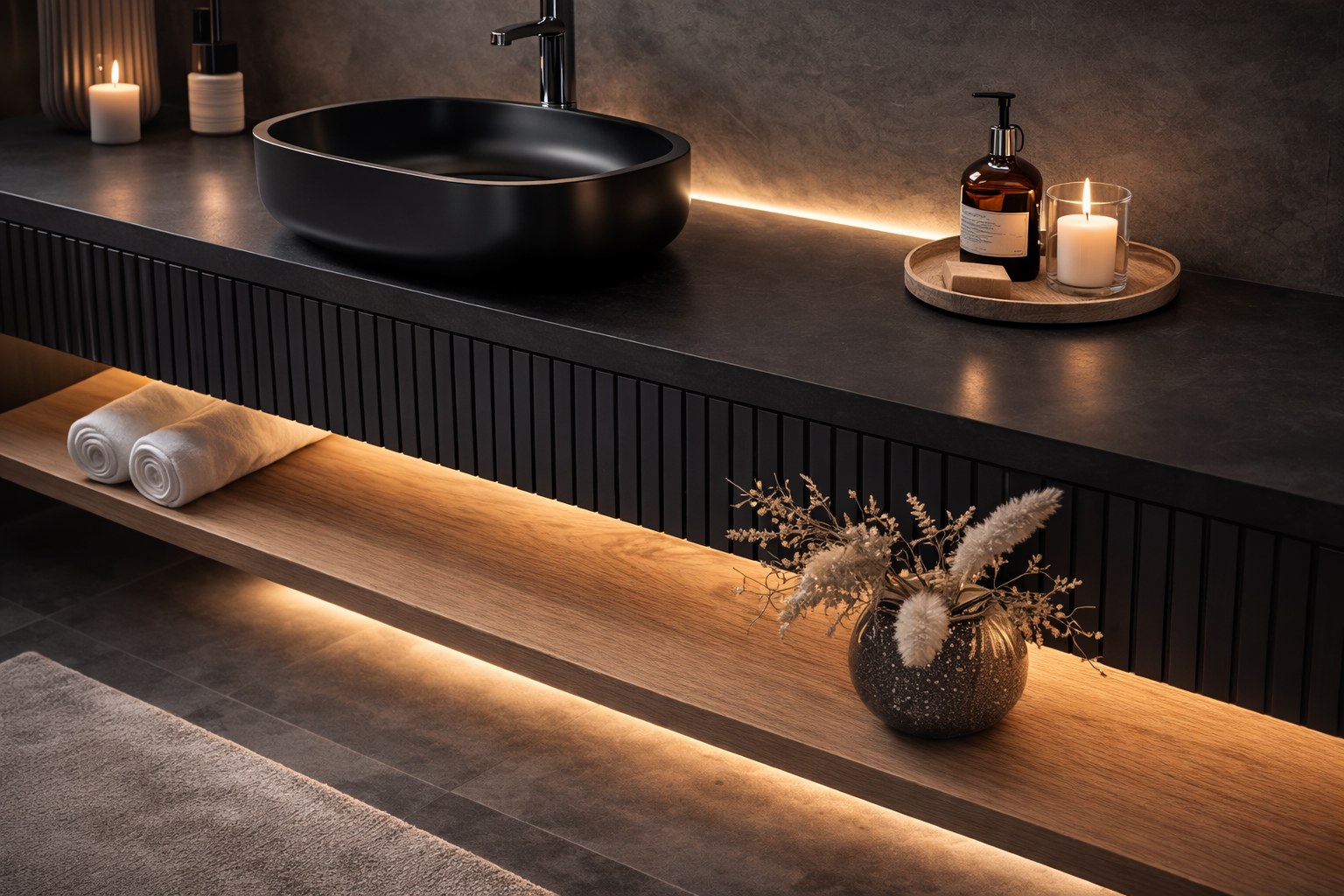
Linear and glass shelf luminaires
ledboX core
TOP-LINE, SIDE-LINE and GLAS-LINE – cut individually to your length, with Quick-Connect.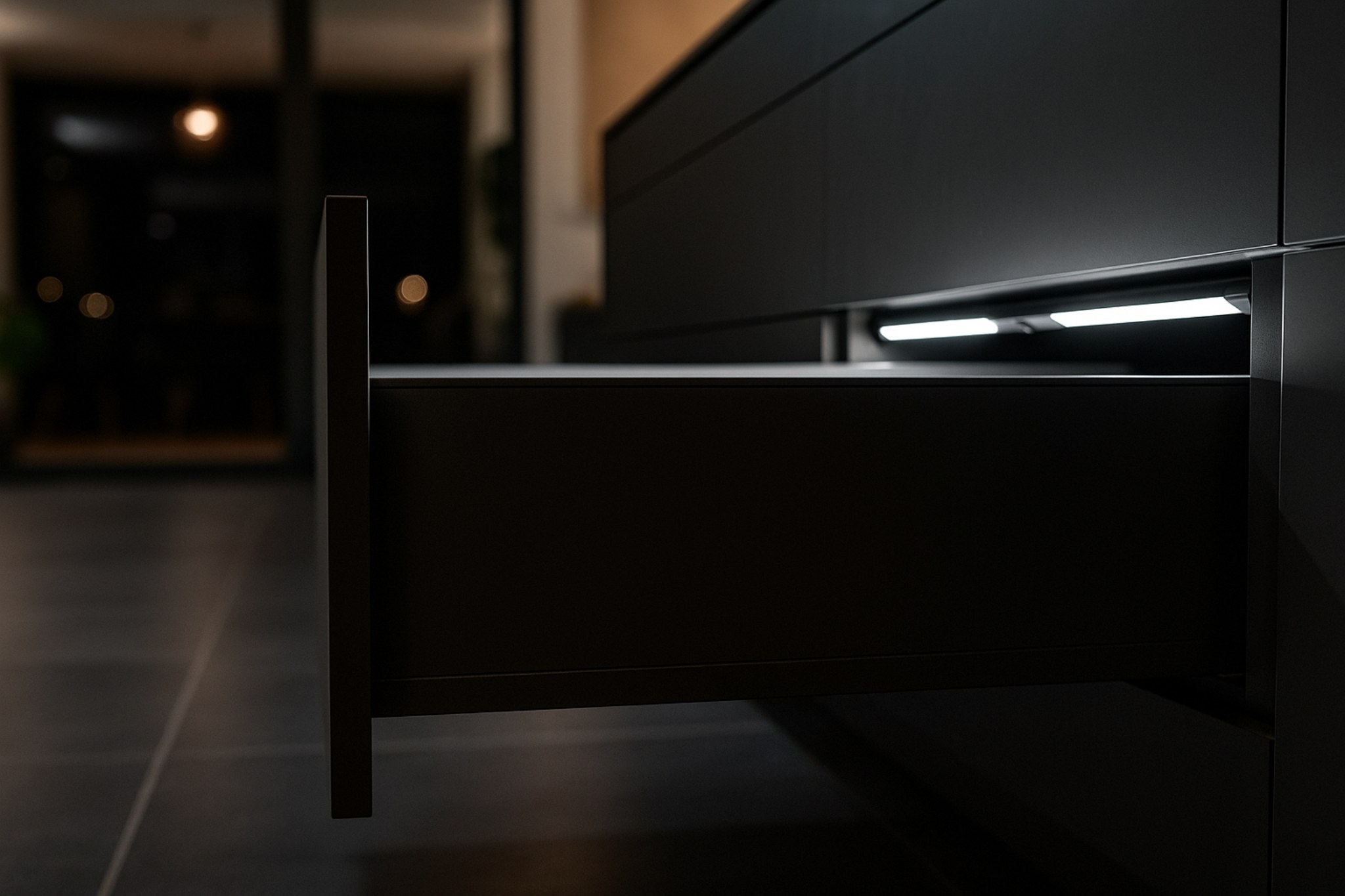
Made-to-measure linear luminaires
ledboX-pro
Recessed, surface-mounted and Sense with IR sensor – for series production and batch size one.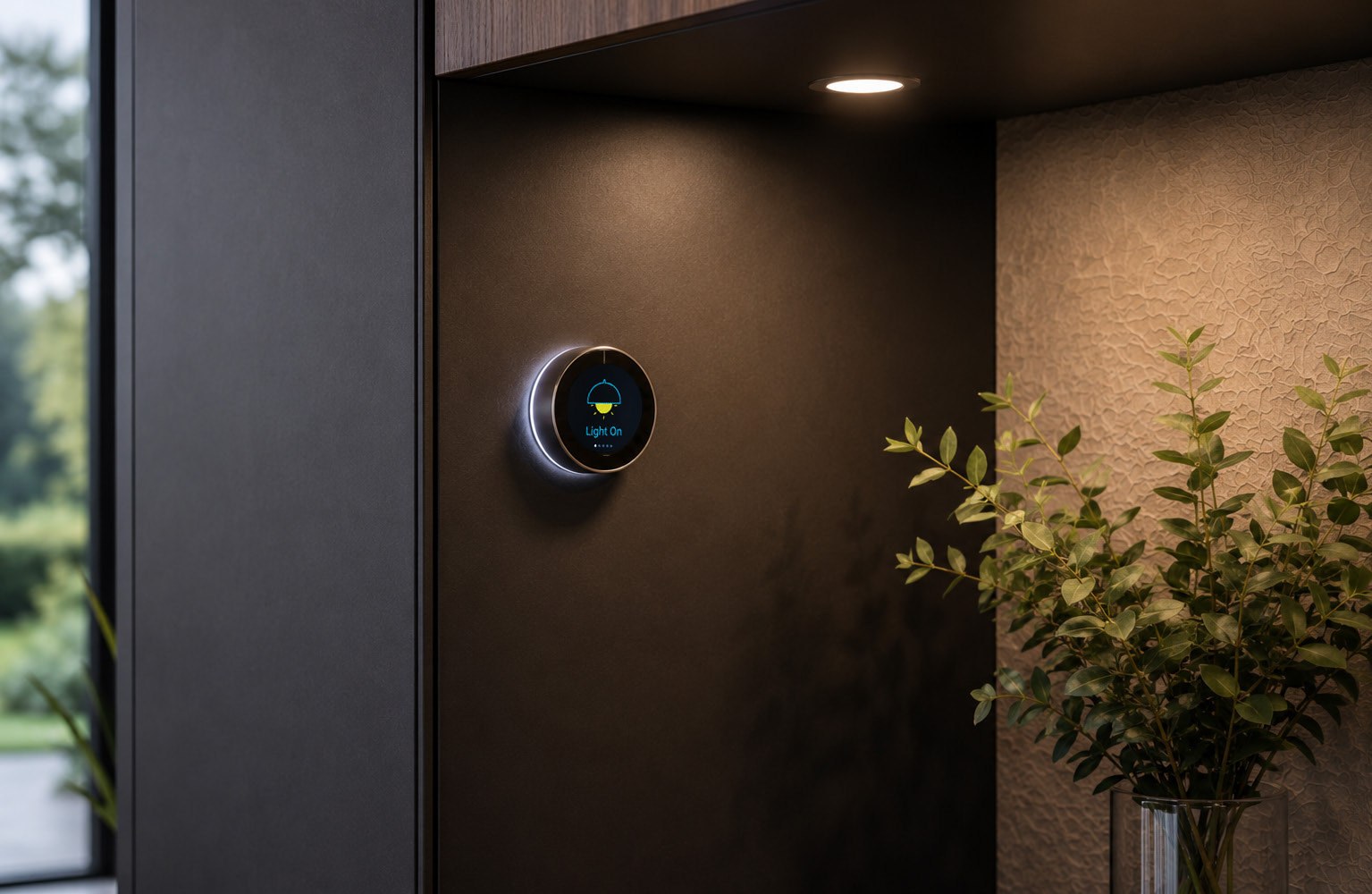
Control and power supply
rangeX Smart-Link
Driver, Receiver, Dimmer, sensors and Knob – matching your luminaires.Frequently asked questions
Who can use the configurator?
- The configurator is available to business customers. Register with your company details and VAT ID; we review your details and activate your access.
What happens after an enquiry or an order?
- Your configuration goes directly to our team and you receive a confirmation by e-mail. For an enquiry we will get back to you with an offer and delivery time; an order is processed as a binding order.
Can I request special solutions?
- Yes. If your requirement is not covered by the configurator, talk directly to our experts.
Which languages is the configurator available in?
- German, English and French – you can switch the language at the top right.
How are prices and parts lists calculated?
- By fixed rules from the product and design data of W. Koch GmbH – not generated by an AI. The configurator was developed with the assistance of artificial intelligence; the English and French texts were translated with AI assistance, in case of doubt the German version prevails. Subject to technical changes.
Configure now
Sign in or register as a business customer – you will have your parts list in a few minutes.
Already have an account?
New to us? We will review and activate your access.
Describe your project to us – we will get back to you with a suitable solution.
Do you have questions about the configurator? Talk directly to our experts.
